
Technology
Best X Video Downloader Without Watermark — How to Get Clean HD Files

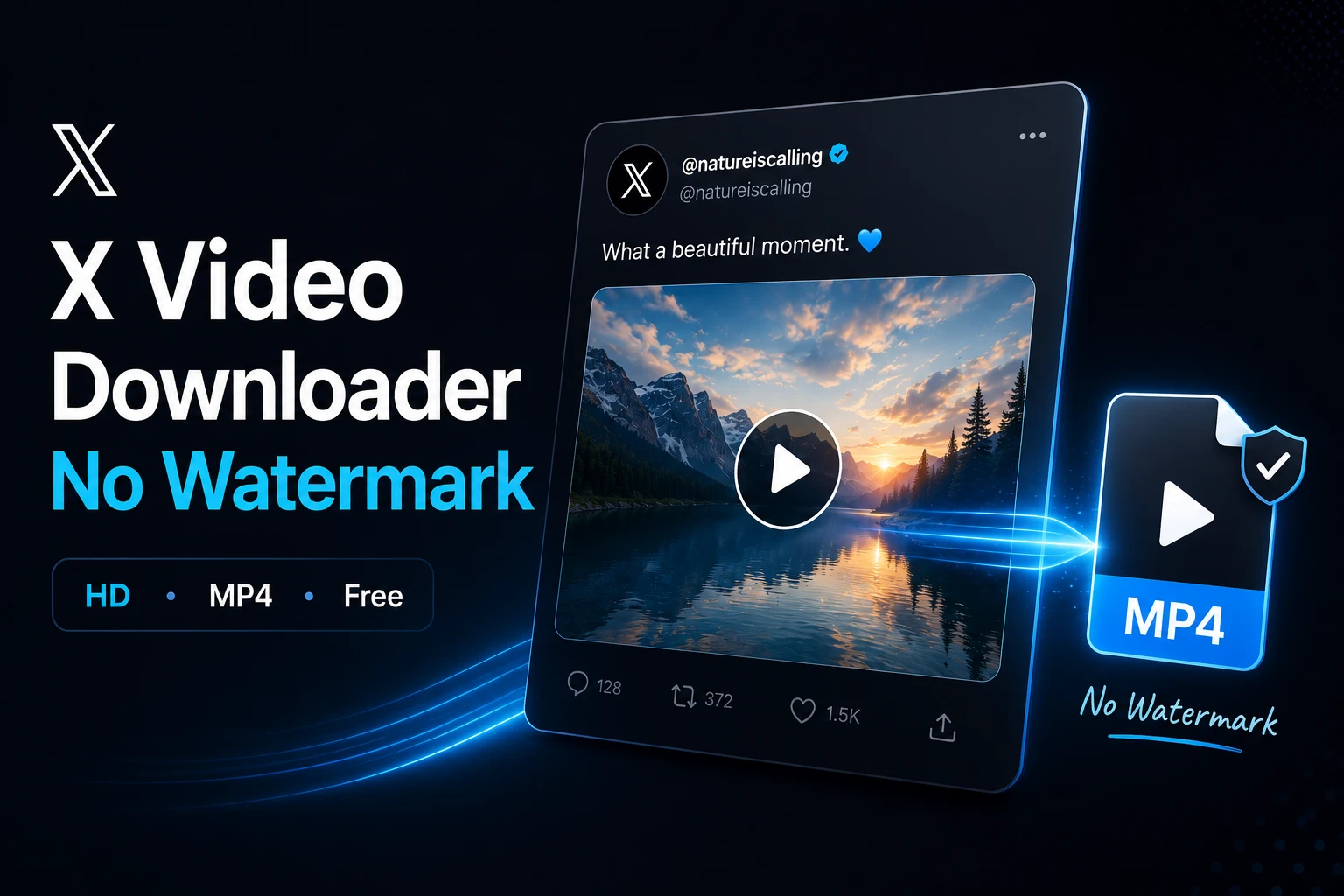
Search for “X video downloader” and you’ll find dozens of options. Some look identical. Some load fast and then hit you with a wall of ads. Some put their logo on your video before delivering it. Some just don’t work.
Choosing the right x video downloader matters more than most people realize — because the wrong choice means getting a watermarked video, a compressed file, or wasting five minutes clicking through fake download buttons.
This guide breaks down what separates a good X video downloader from a bad one, and what to use if you want clean HD files with no watermark and no hassle.
The Real Problem with Most Free X Downloaders
Most people don’t realize their downloaded video has issues until after they try to share it. Here’s what typically goes wrong:
Watermarks from the tool itself. Some downloaders stamp their logo or site name in the corner of every video they process. Every time that video gets shared, it becomes free advertising for them — at the cost of your clean file. This is surprisingly common among “free” tools.
Quality degradation. A number of tools re-encode the video on their servers before delivering it to you. The result looks fine on a phone screen but falls apart on a larger display. You asked for HD — you got something that approximates it.
Fake download buttons. Pages designed to look like they’re showing you a download button, but clicking it opens an ad or tries to install something. The real button is smaller, less obvious, positioned to be missed on first glance.
Redirect chains. Click download, get sent to another page, then another. By the time you’re three pages in, you’ve forgotten what you were trying to download.
Registration walls. Tools that work fine for one download, then suddenly require an account to continue.
What a Good X Video Downloader Actually Does
A tool worth using does one thing consistently: it fetches the original MP4 file from X’s CDN servers and delivers it to you without modification. No re-encoding, no watermark, no compression. The file you get is identical to the file on X’s servers.
That’s it. The simplicity is the point.
Secondary features that matter:
- Shows all available quality options (don’t pick for you)
- Processes the link in under 5 seconds
- Works on mobile browsers, not just desktop
- Doesn’t require login or account creation
- Supports GIFs in addition to standard video
How to Save X Videos in MP4 Without Watermark — Using sssx.io
sssx.io retrieves the original file directly from X’s servers without any intermediate processing that would add a watermark or degrade quality. Here’s how to use it:
1. Copy the tweet link In the X app, tap Share → Copy link. On desktop, copy the URL from the address bar or via the share menu.
2. Paste at sssx.io Open sssx.io in any browser. Paste the link into the main field and press Download. Processing takes 2–5 seconds.
3. Select quality and download All available resolutions appear — 480p, 720p, 1080p depending on the original. Select the highest and download. The MP4 saves to your Downloads folder with no watermark, no logo, no modifications.
Works the same on Android, iPhone, and desktop — no app installation needed.
Why the “No Watermark” Claim Isn’t Always True
Here’s something most download guides don’t tell you: there are two completely different types of watermarks you might encounter, and only one of them can be avoided.
Watermark added by the downloader — This is what sssx.io avoids. The tool doesn’t add anything to the file. What you download is exactly what X has on its servers.
Watermark added by the content creator — If the person who posted the video added their own logo or @username before uploading, that’s baked into the original file. No downloader can remove it because it’s not a layer — it’s part of the pixels. This is the creator’s own branding, not a tool issue.
So when you see a watermark on a downloaded X video, check whether it was already on the video when you watched it on X. If yes — that’s the creator’s mark, and it’s permanent. If it wasn’t there when you watched it — the downloader added it, and you should switch tools.
Save X Videos in MP4 — Quick Reference
Here’s a quick summary of how to save x videos in MP4 for different scenarios:
| What you want | What to do |
|---|---|
| No watermark | Use sssx.io — no logos added |
| Highest quality | Select the top option in the quality list |
| Works on iPhone | Use Safari → sssx.io |
| Works on Android | Use Chrome/Firefox → sssx.io |
| Audio only | Use sssx.io/twitter-to-mp3 |
| GIF download | Paste GIF tweet link — sssx.io supports it |
FAQ
Does sssx.io add any watermark to downloaded videos? No. sssx.io fetches the original file from X’s CDN and delivers it as-is. No logo, no text overlay, no modification of any kind.
What if the video already has a watermark when I watch it on X? That’s the creator’s own branding — it’s part of the original file. No download tool can remove it. You’d need video editing software to do that.
Can I download videos in 1080p? If the original was uploaded in 1080p, yes — sssx.io will show it as an option. If only 720p or lower appears, that’s the highest quality the creator uploaded.
Do I need to create an account? No. sssx.io works without any registration or login, for any number of downloads, at any quality level.
Is it safe to use? Yes. sssx.io doesn’t ask for your X credentials, doesn’t store your download history, and doesn’t require installing anything on your device.

3 Alternative Methods to Conceive a Child That are Just as Safe as Natural Conception

How to Find Balance in a Stressful Life

Glabridin and Bakuchiol: Fixing the Anti-Aging Formulation Trap

Clint Eastwood Net Worth and Family Life: What You Didn’t Know

Best X Video Downloader Without Watermark — How to Get Clean HD Files

Inside Richard Hammond’s Life: How He Built His Net Worth
-
 Celebrity12 months ago
Clint Eastwood Net Worth and Family Life: What You Didn’t Know
-
 Celebrity11 months ago
Inside Richard Hammond’s Life: How He Built His Net Worth
-

 Celebrity11 months ago
Mark Normand net worth revealed: his career, lifestyle, and more
-

 Celebrity1 year ago
The Story Behind Akon’s Net Worth and His Rise to Fame